Alternatives


Jun 4, 2026 • 5 min read
In This Blog
If you’ve ever tried to hide a salary field from most of your Jira users, you already know the frustration. Jira’s permission model is built around issues and projects, not individual fields. That gap is smaller than it sounds, until your HR team, legal department, or security auditor asks why sensitive data is visible to everyone who can view the issue.
This post explains exactly where Jira’s native permissions stop, why that matters for teams handling confidential data, and what true field-level control actually looks like in practice.
Jira ships with a reasonably capable permission framework. Project-level schemes let you define who can create, view, edit, and transition issues within a project. Issue security schemes let you restrict which users can see a specific issue at all. Workflow conditions can gate transitions based on role.
For most use cases, that’s enough.
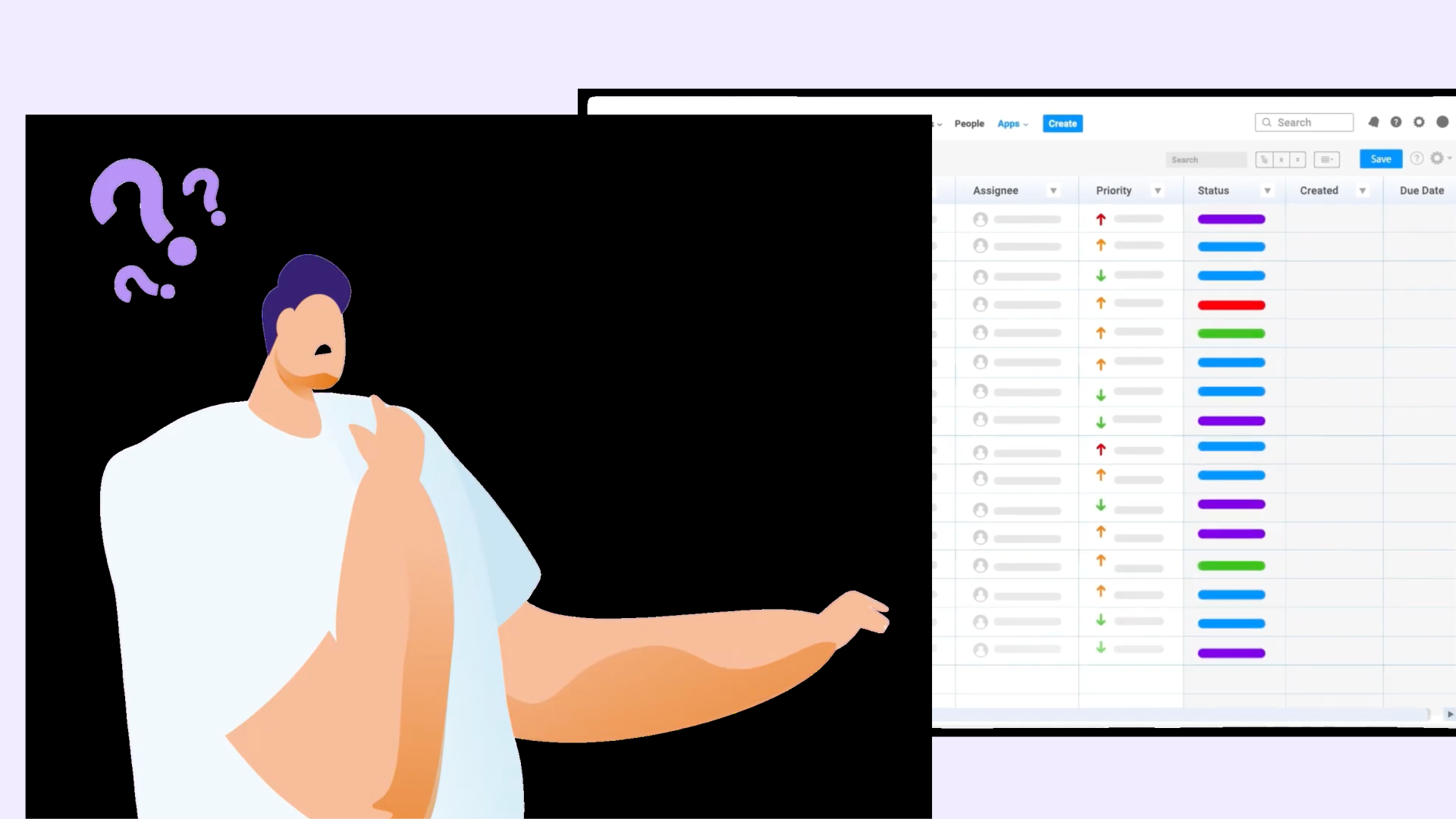
But the control stops at the issue boundary. If a user has permission to view an issue, they see everything on it — every field, every value, every piece of data attached to that issue. There’s no native mechanism to say: this user can view the issue, but not this specific field.
That’s the gap.
It’s easier to understand with concrete examples.
HR workflows. Your people team tracks onboarding, performance reviews, and compensation changes in Jira. The issue needs to be visible to a line manager, an HR business partner, and maybe a project coordinator. But the salary field? That should be visible only to HR. With native permissions, you have two options: put everyone in a restricted project they can barely access, or accept that the salary figure is visible to anyone who can open the issue.
Legal case tracking. A legal operations team manages contract disputes, settlements, and external counsel engagements in Jira. Case status and timeline: visible to stakeholders. Settlement amount, privileged notes, and counsel strategy: definitely not. Native Jira gives you no way to draw that line within a single issue.
ITSM and service desk. A service ticket might include internal diagnostic notes, vendor credentials, or configuration details that should never be visible to the requester or a third-party vendor who has portal access. Internal comments help, but they’re a workaround — not a permission control.
Finance and audit. Budget approvals, invoice amounts, and cost centre allocations tracked in Jira need to be accessible to the right approvers without being readable by every team member on the project.
In each case, the typical workaround is to create a separate project for sensitive data; essentially duplicating the workflow and fragmenting the issue context. Teams end up maintaining two issues for the same piece of work, or pulling sensitive data out of Jira entirely into a spreadsheet. Neither is efficient, and neither is more secure.
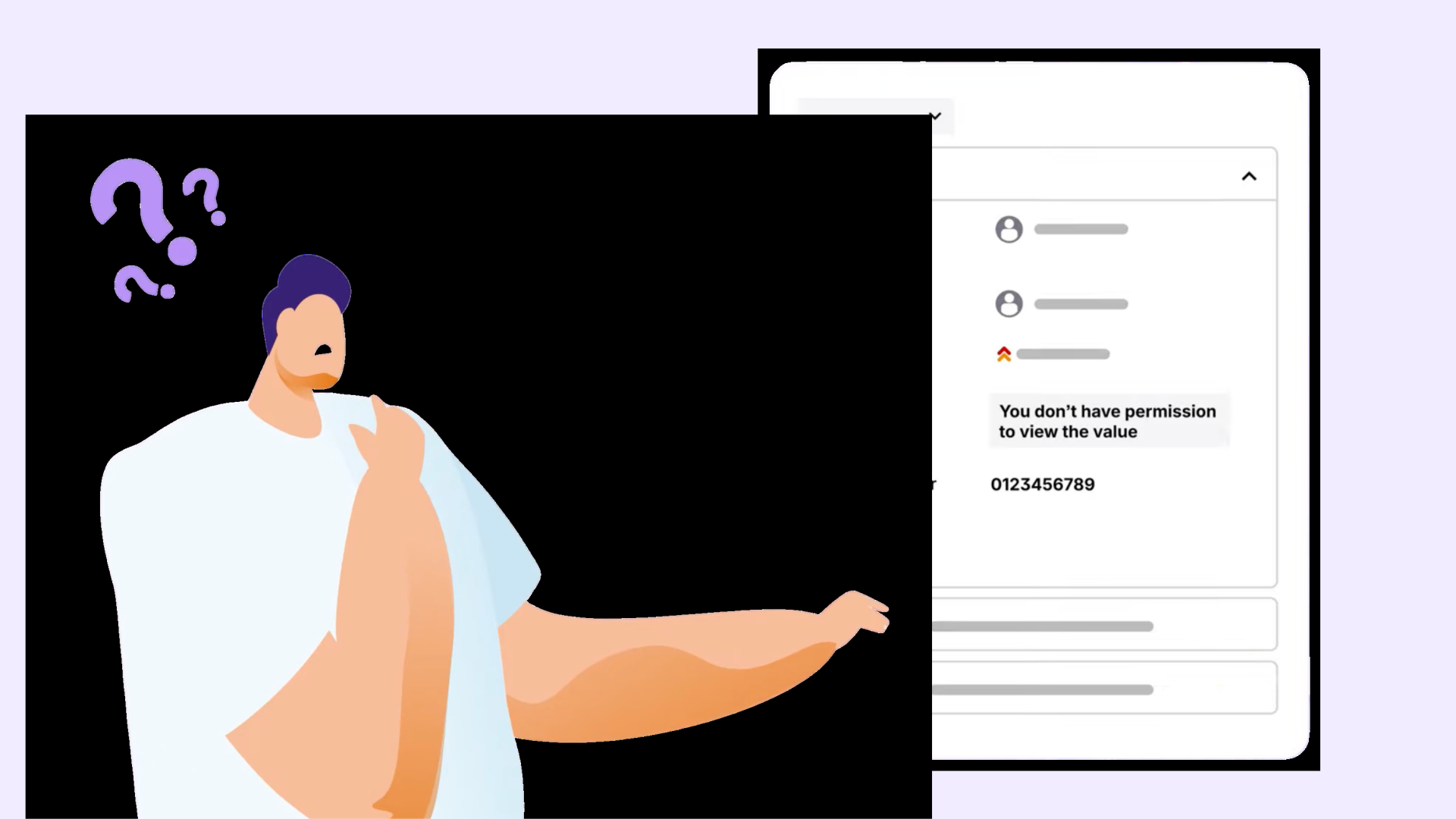
Field-level security means applying view and edit permissions directly to individual custom fields — independently of the issue or project permissions already in place.
In practice, it works like this:
The result is that a single Jira issue can hold both general project data and restricted sensitive data, with each type of user seeing only what they’re permitted to see.
For teams in regulated industries: healthcare, financial services, government, insurance — this isn’t just an operational convenience. Access control at the field level is directly relevant to data governance requirements.
GDPR’s data minimization principle requires that personal data is accessible only to those with a legitimate need. SOC 2 and ISO 27001 both require demonstrable access controls on sensitive information. When an auditor asks how you enforce those controls in Jira, “we have project-level permissions” is not a satisfying answer if the issue contains a mix of sensitive and non-sensitive data.
Field-level control, combined with audit-ready access logs, gives compliance teams something concrete to point to.
It’s worth being clear about why Jira doesn’t solve this natively. Jira’s data model stores custom field values as issue properties, not as independently secured records. That means field visibility is tied to issue visibility by design. Extending security below the issue level requires either a Forge app that intercepts the rendering layer, or a workaround — and workarounds, by definition, have failure modes.
A Forge-based app that runs within Atlassian’s infrastructure can enforce field-level permissions at the rendering layer without storing data externally, without requiring custom scripts, and without breaking Jira Automation, CSV import/export, or the REST API.
Jira’s native permissions are well-designed for what they do. They were built to control access to issues and projects — and they do that reliably. But the moment your team needs to protect individual fields within an issue, you’re working outside what Jira was designed to handle natively.
Field-level security closes that gap without changing how your team works in Jira. The issue stays intact. The workflows stay intact. Access to sensitive fields is simply governed at the right level of granularity.
If your team is managing sensitive data in Jira: HR records, legal details, financial figures, or anything that shouldn’t be visible to every user who opens an issue, Secure Custom Fields for Jira adds the field-level control Jira doesn’t ship with.