Content & Knowledge Management

Jan 6, 2026 • 4 min read
Topic
Featured Apps
Author
In This Blog
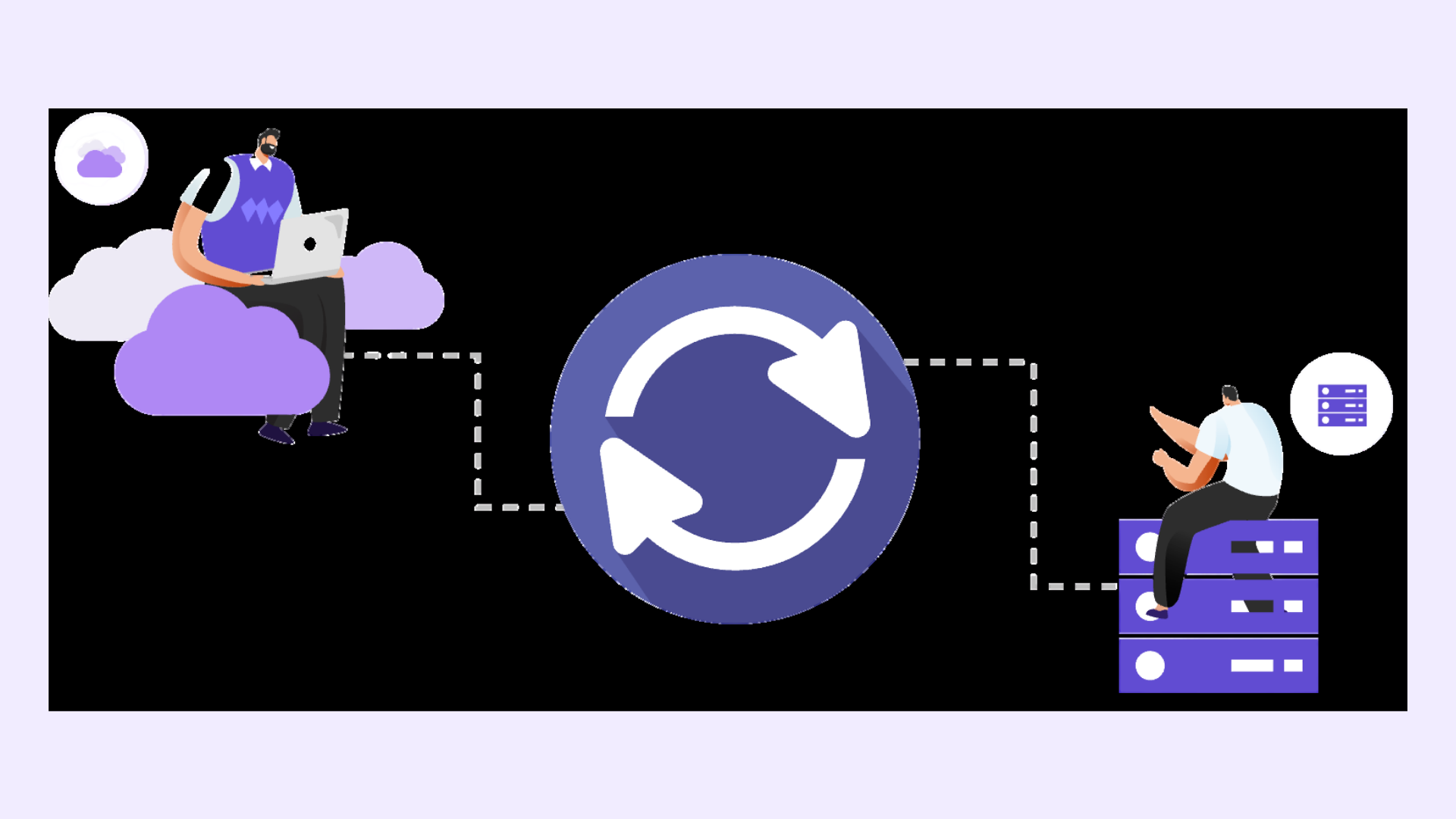
Hybrid Confluence migration is rarely planned as a long-term state, but in practice, it often lasts longer than expected. Teams migrate at different speeds, priorities change, and dependencies emerge. During this phase, keeping Confluence content aligned across Cloud and Data Center becomes one of the biggest operational challenges for admins.
This guide explains how teams can keep Confluence Cloud and Data Center content in sync during a hybrid migration, without relying on manual workarounds or freezing updates.
You should consider this approach if:
Your Confluence Cloud migration is happening in phases
Some teams are actively working in Cloud while others remain on Data Center
Certain spaces must stay consistent across both environments
Manual copy-paste or export workflows are no longer sustainable
If your migration is a one-time cutover with no overlap, Atlassian’s Confluence Cloud Migration Assistant (CCMA) may be sufficient on its own.
During a hybrid phase, content drift usually does not happen all at once.
It starts with small, everyday updates.
A team updates a project page in Cloud. Another team updates the same information in Data Center. Attachments change. Status tables fall behind. Over time, no one is sure which version is correct.
Atlassian’s Confluence Cloud Migration Assistant is designed to move content, not to keep it synchronized. Once a space is migrated, updates no longer flow between environments. Without an explicit strategy for alignment, drift becomes unavoidable.
The first step is to decide what actually needs to be kept in sync.
Most teams do not need to synchronize every space. Focus on spaces where outdated information creates real risk or confusion, such as:
Program or portfolio documentation
Onboarding and internal reference guides
Leadership or executive dashboards
Cross-team project spaces
Being selective reduces complexity and makes hybrid operation easier to manage.
Even with synchronization in place, ownership still matters.
For each shared space, clarify:
Who is responsible for content accuracy
Where updates are primarily expected to happen
How teams should treat synchronized content during migration
This prevents conflicting edits and ensures synchronization supports collaboration rather than replacing governance.
Once scope and ownership are clear, teams can introduce synchronization to maintain alignment during the hybrid phase.
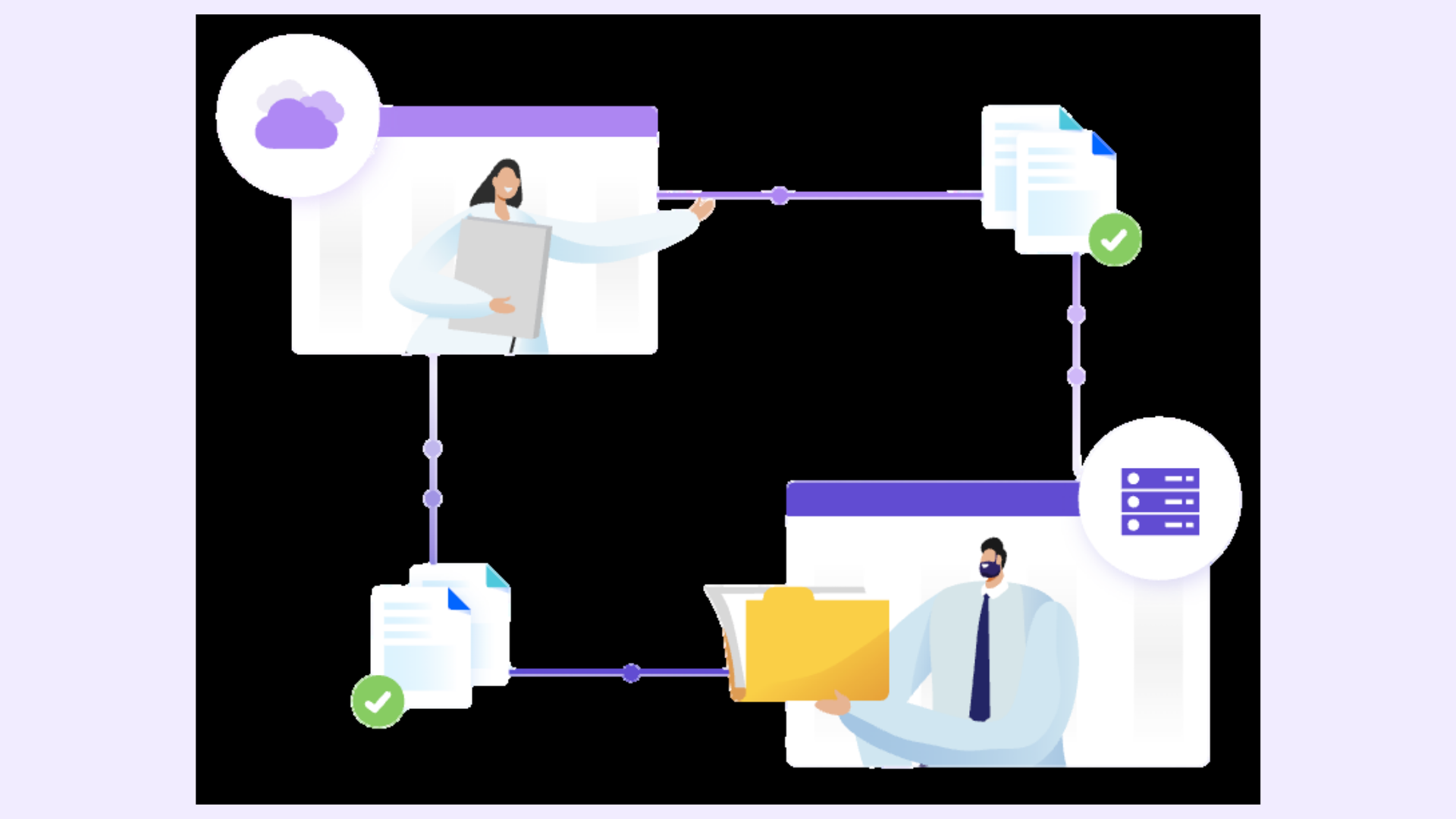
Space Sync for Confluence (Data Center) is commonly used at this stage to synchronize selected spaces between Confluence Cloud and Data Center. Rather than syncing everything, admins apply synchronization only where consistency is critical.
An initial sync establishes a clean baseline so both environments start from the same state.
Before teams rely on synchronized content day to day, it is important to validate that alignment is working as expected.
Admins typically check a small sample of pages to confirm:
Page content matches in Cloud and Data Center
Page hierarchy and structure remain intact
Attachments and key formatting appear correctly
This builds confidence and helps catch issues early.
Hybrid migration is not static. As teams move to Cloud, some spaces may no longer need to stay in sync, while others become more critical.
During the hybrid phase:
Review synchronization activity periodically
Adjust scope as migration progresses
Communicate clearly to teams which spaces are maintained across environments
This keeps hybrid operations flexible and avoids unnecessary complexity.
A few patterns often cause problems during hybrid Confluence migrations:
Syncing too many spaces without clear ownership
Treating synchronization as a substitute for governance
Assuming the hybrid phase will be short-lived and skipping setup
Being intentional from the start reduces rework later.
Keeping Confluence Cloud and Data Center content aligned allows teams to migrate at their own pace without breaking collaboration. It reduces operational noise, lowers risk during extended migration windows, and helps maintain trust in Confluence as a reliable source of information.
Most importantly, it allows migration teams to focus on progress rather than constantly resolving content discrepancies.
Use Space Sync for Confluence (Data Center) to synchronize selected spaces between Confluence Cloud and Data Center while teams migrate at different speeds.