Project Management

Jan 12, 2026 • 4 min read
Topic
Featured Apps
Author
In This Blog
During a hybrid Confluence migration, content drift is one of the easiest problems to overlook and one of the hardest to fix later. When teams work across Confluence Cloud and Confluence Data Center in parallel, small, everyday updates begin to diverge. Over time, those differences accumulate and quietly undermine trust in shared documentation.
This guide explains how teams can detect and prevent content drift in Confluence during a hybrid migration, without relying on constant manual checks or freezing updates.
You should consider this approach if:
Your Confluence Cloud migration is happening in phases
Teams are actively editing content in both Cloud and Data Center
Shared spaces exist in both environments
Admins are frequently asked which version of a page is correct
If your migration involved a one-time cutover with no overlap, content drift is less likely to be an issue.
Content drift rarely appears as a single, obvious problem. Instead, it shows up through small inconsistencies that grow over time.
Common signs include:
Page content that looks similar but not identical across environments
Attachments or tables that are updated in one instance but not the other
Status pages or documentation that slowly fall out of date
Teams asking admins to confirm which page should be trusted
By the time drift is obvious, it often requires significant manual effort to correct.
Atlassian’s Confluence Cloud Migration Assistant is designed to move content from Data Center to Cloud. Once a space has been migrated, however, there is no ongoing synchronization between the two environments.
During a hybrid phase, teams continue collaborating and updating content in parallel. Without an explicit strategy to keep content aligned, drift becomes a natural byproduct of normal work rather than a failure of process.
The first step is to determine which content actually needs protection.
Focus on pages and spaces that:
Are referenced by multiple teams
Influence decisions or ongoing work
Change frequently during migration
Typical examples include program documentation, shared reference guides, onboarding content, and leadership updates.
Not all content needs to be kept in sync. Being selective makes drift prevention manageable.
Preventing drift is not only a technical problem. Clear ownership still matters.
For shared spaces, teams should agree on:
Who is responsible for content accuracy
How updates should be handled during the hybrid phase
Whether certain pages should be treated as reference-only
This reduces conflicting edits and supports whatever synchronization approach you apply later.
Many teams spend most of their time detecting drift rather than preventing it. Manual checks, spot reviews, and user reports can help identify issues, but they do not scale.
As hybrid collaboration continues, teams typically look for a way to:
Keep critical content aligned automatically
Reduce reliance on manual verification
Allow teams to continue working in their preferred environment
This is where synchronization becomes part of the solution rather than an afterthought.
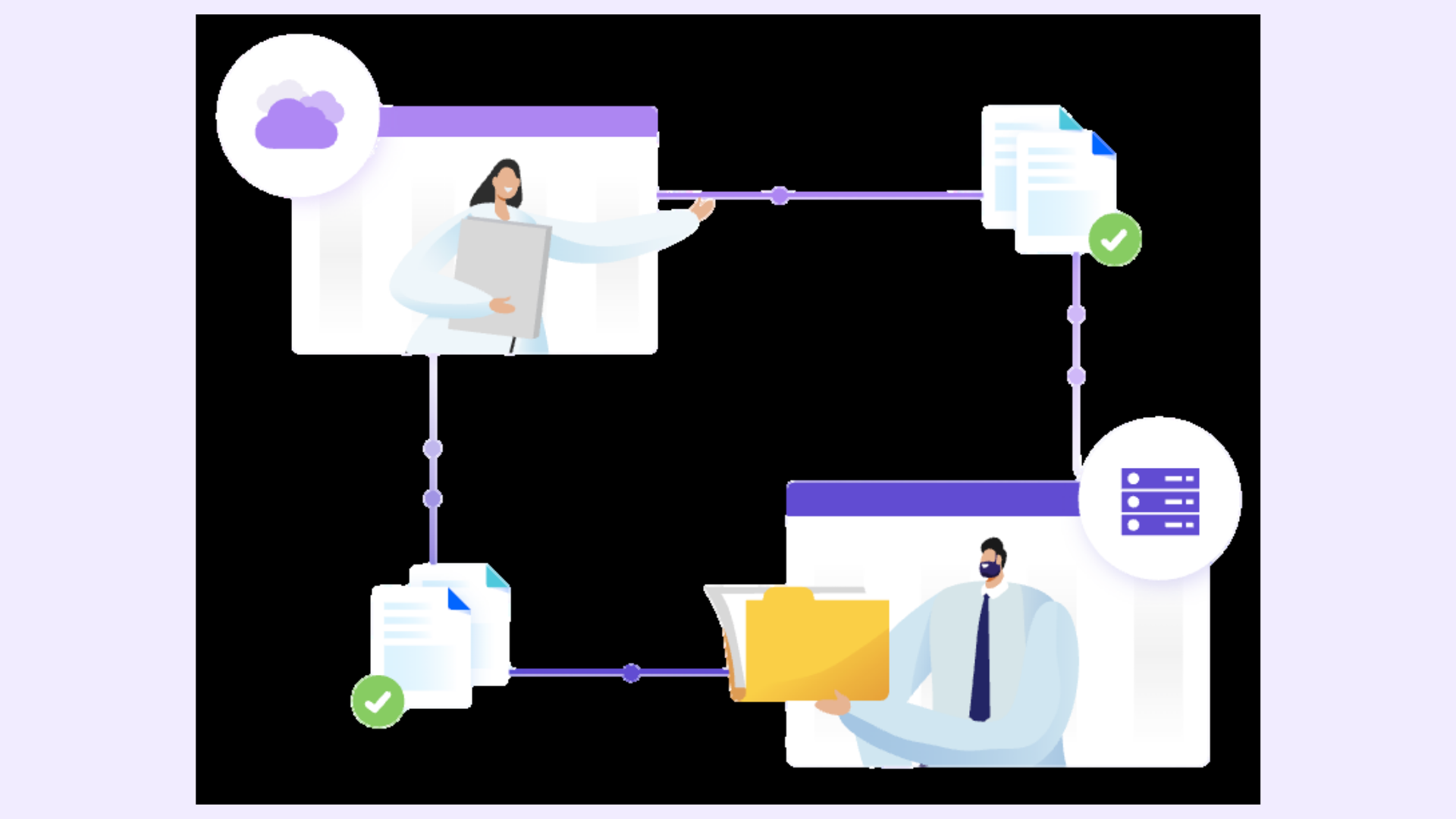
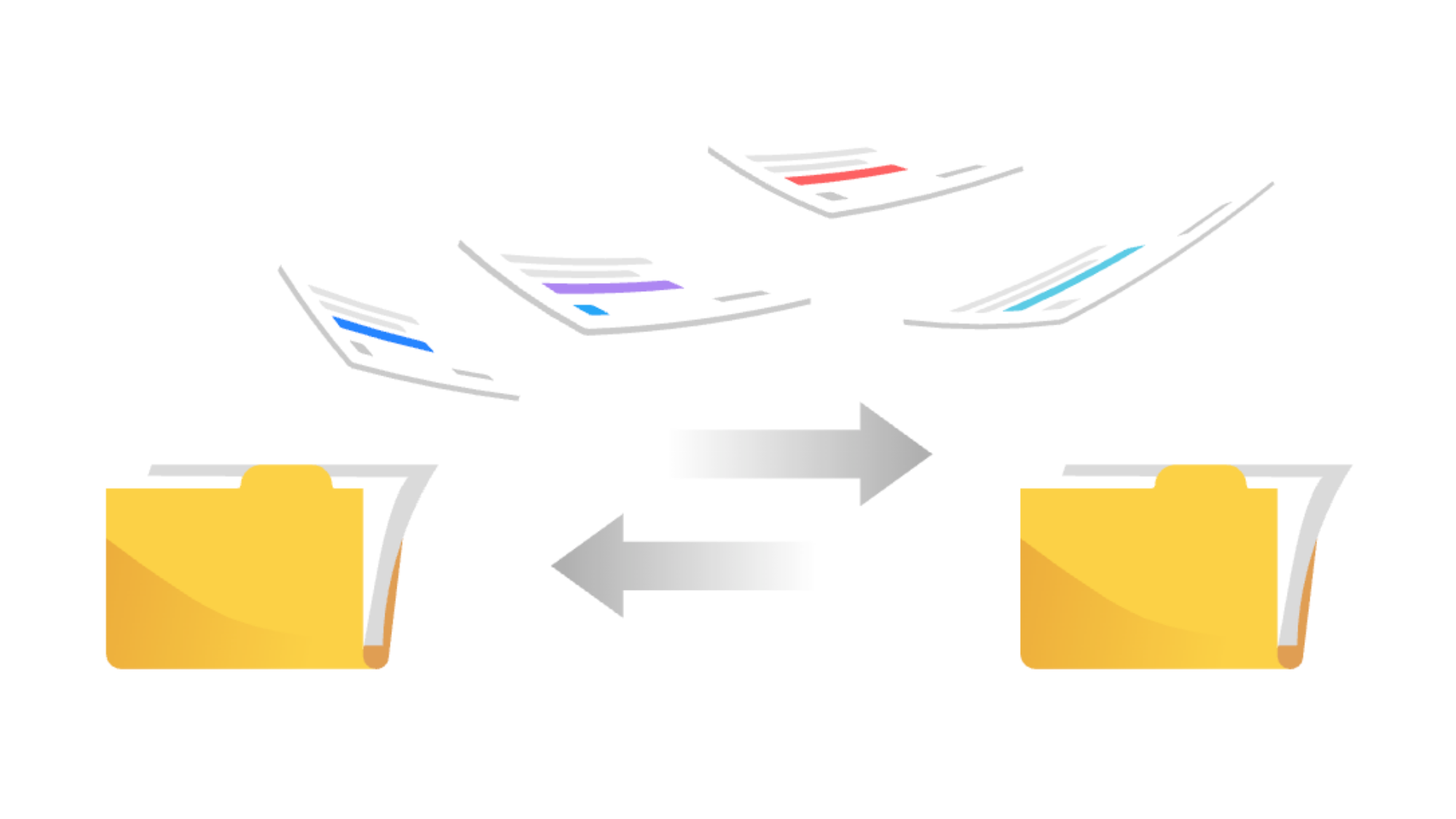
Space Sync for Confluence (Data Center) is commonly introduced at this stage to synchronize selected spaces or pages between Cloud and Data Center.
Admins typically:
Select only content that must remain consistent
Establish a clean baseline through an initial sync
Let synchronization maintain alignment as updates occur
Rather than reacting to drift after it happens, synchronization helps prevent it from occurring in the first place.
Hybrid migration is dynamic. As teams move fully to Cloud, some spaces no longer need to stay in sync, while others become more critical.
To keep drift under control:
Review synchronized spaces periodically
Adjust scope as migration progresses
Communicate clearly to teams which spaces are maintained
This ensures drift prevention supports migration rather than slowing it down.
A few patterns often cause drift prevention efforts to fail:
Syncing too much content without clear ownership
Relying solely on manual checks for long periods
Assuming hybrid collaboration will be short-lived
Intentional scope and clear expectations make a significant difference.
Detecting and preventing content drift early helps maintain trust in Confluence throughout the migration process. Teams spend less time validating information, admins are pulled into fewer investigations, and collaboration continues without disruption.
Most importantly, drift prevention allows migration teams to focus on progress rather than constantly reconciling differences between Cloud and Data Center.
Use Space Sync for Confluence (Data Center) to keep Confluence Cloud and Data Center content aligned as teams collaborate across environments.