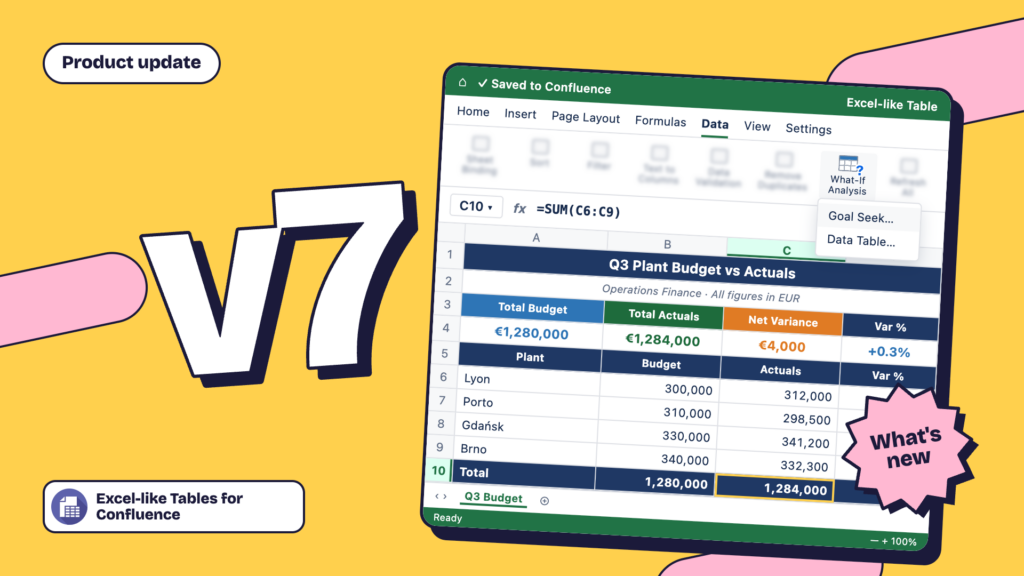
News


Jun 9, 2021 • 4 min read

In This Blog
Ever experienced the hassle of having to create spreadsheet documents in a separate app just to attach them to your wiki?
Or how frustrating dealing with numerous spreadsheet screenshots can be?
Well now, with Excel-like Tables for Confluence, presenting your data will no longer feel laborious!
Improve your Confluence experience and bring Excel capabilities onto every page with our latest app (currently in beta).
Easily manipulate data with more than 400 formulas available and set up tables and charts right within Confluence!
Enjoy the powers of Excel on every Confluence page when you leverage our app.
Before, presenting your data in Confluence required switching back and forth between Excel and Confluence. But when you leverage our app, you can eliminate the need to do so altogether.
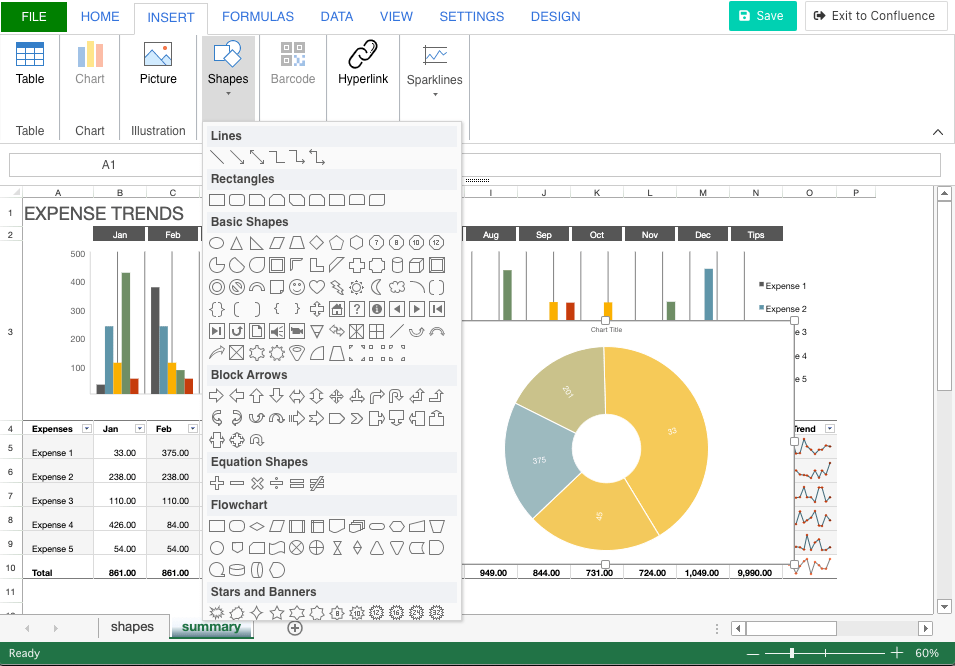
Gain Excel capabilities right within your wiki. Make use of powerful formulas like SUM and AVERAGE, and manipulate your data effectively. Easily create all sorts of tables and charts right within a Confluence page using a macro.
Not only that, with an interface that’s similar to the one in Excel, you can quickly find the important capabilities that you’re looking for and apply them to your Confluence data set.
You don’t have to worry about creating multiple tables every time you update the content or have newer data to present. With Excel-like Tables for Confluence, a new version is created every time you save changes.
A “History” tab gives you an overview of all versions of a table, giving you the ability to easily find and restore previous versions, as needed.
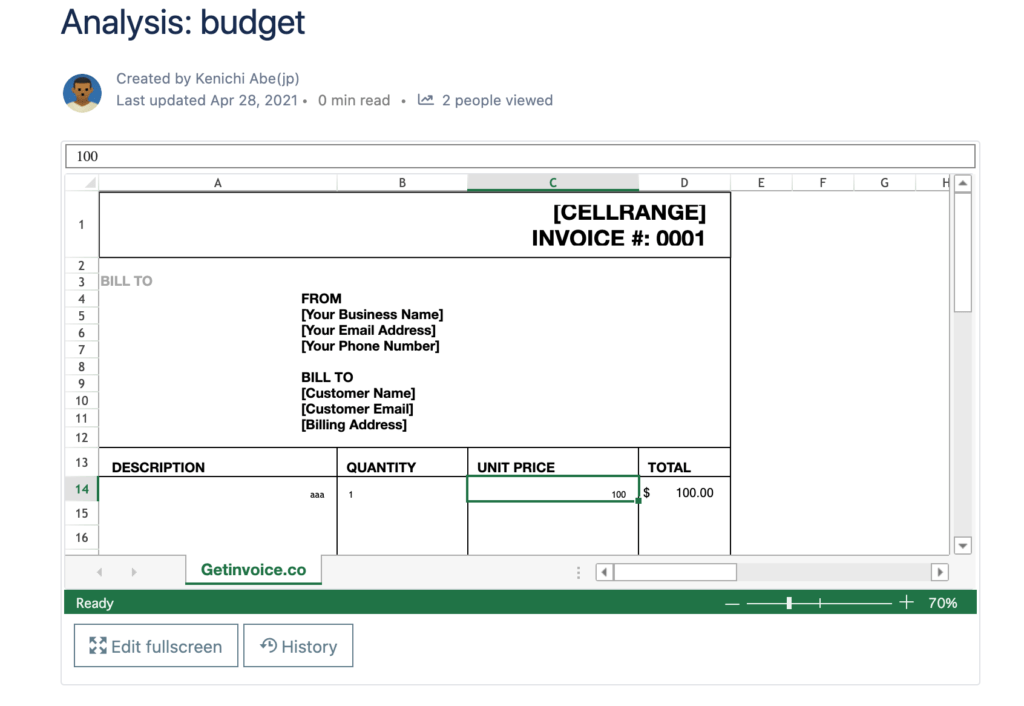
Compared to Confluence’s built-in table feature, ours enhances your data presentation experience by allowing you to incorporate functions like data validation.
Having this app also allows you to highlight important information whenever you need it, instead of letting it get lost in the comment threads or externally hosted documents.
We made it a point to create an app that is seamlessly integrated with Confluence and always readily available. We also made sure that the app accommodates your teammates working outside of Confluence.
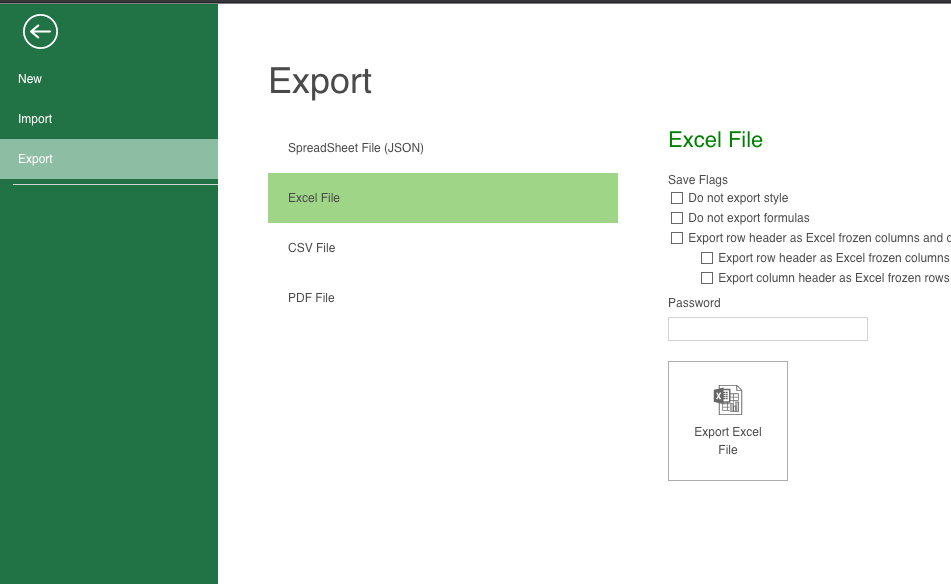
So, easily export your Confluence spreadsheets in JSON, Excel, CSV, or PDF format to teammates outside the platform to improve collaboration efforts. Remove silos and increase efficiency by importing data from Excel, JSON, and CSV as well.
Have all the right data displayed within your wiki in just a few clicks. Work seamlessly with your data, eliminating the need to work with multiple attachments or screenshots.
We’re always looking for ways to improve our app and enhance your experience. Stay tuned as we are testing out the following features:
Download the app today to do more with your data. Enhance your Confluence experience with the power of Excel.
You can use it for free during the beta period.
This has not been determined yet. Please watch our blog and Atlassian Marketplace page for updates.
This has not been determined yet. Please watch our blog and Atlassian Marketplace page for updates.
Yes. We will notify you should future Jira updates affect your data.
Please leave your feedback at our service desk or email us at excel-like-tables-request@ricksoft-inc.com.
App features could be changed or pivoted in the future depending on the feedback collected throughout the beta period.