News


Mar 6, 2026 • 2 min read

In This Blog
If your team manages large Jira backlogs or coordinates across sprints, version 6.2 of Excel-like Bulk Issue Editor for Jira (Cloud) brings meaningful improvements to speed, sprint planning, and data readability, without changing how you work.
Large Jira datasets have always been the hardest to manage in bulk. With lazy loading and grid optimizations in 6.2, spreadsheets with thousands of issues load dramatically faster. You can scroll, filter, and edit without waiting for the full dataset to render. For teams running 31,000+ issues in a single project, the difference is immediate.
You can now filter your view by active sprint and re-rank issues by dragging them vertically, directly inside the bulk editor. This turns the app into a lightweight sprint command center: reorder work during planning, adjust priorities mid-standup, and keep the team aligned on sequencing without bouncing between Jira views.
The 6.2 release improves how multi-level hierarchies are displayed. When you’re bulk-editing fields across dozens of items, you can now trace how sub-tasks roll up to stories and epics without losing context; Useful for cross-team reviews or release prep.
Global teams often run into silent friction around date and number formats, DD/MM vs MM/DD, or decimal separators that vary by region. 6.2 adds flexible formatting for numeric and date fields that reflects regional display preferences, reducing misreads when comparing estimates, costs, or due dates across a shared Jira site.
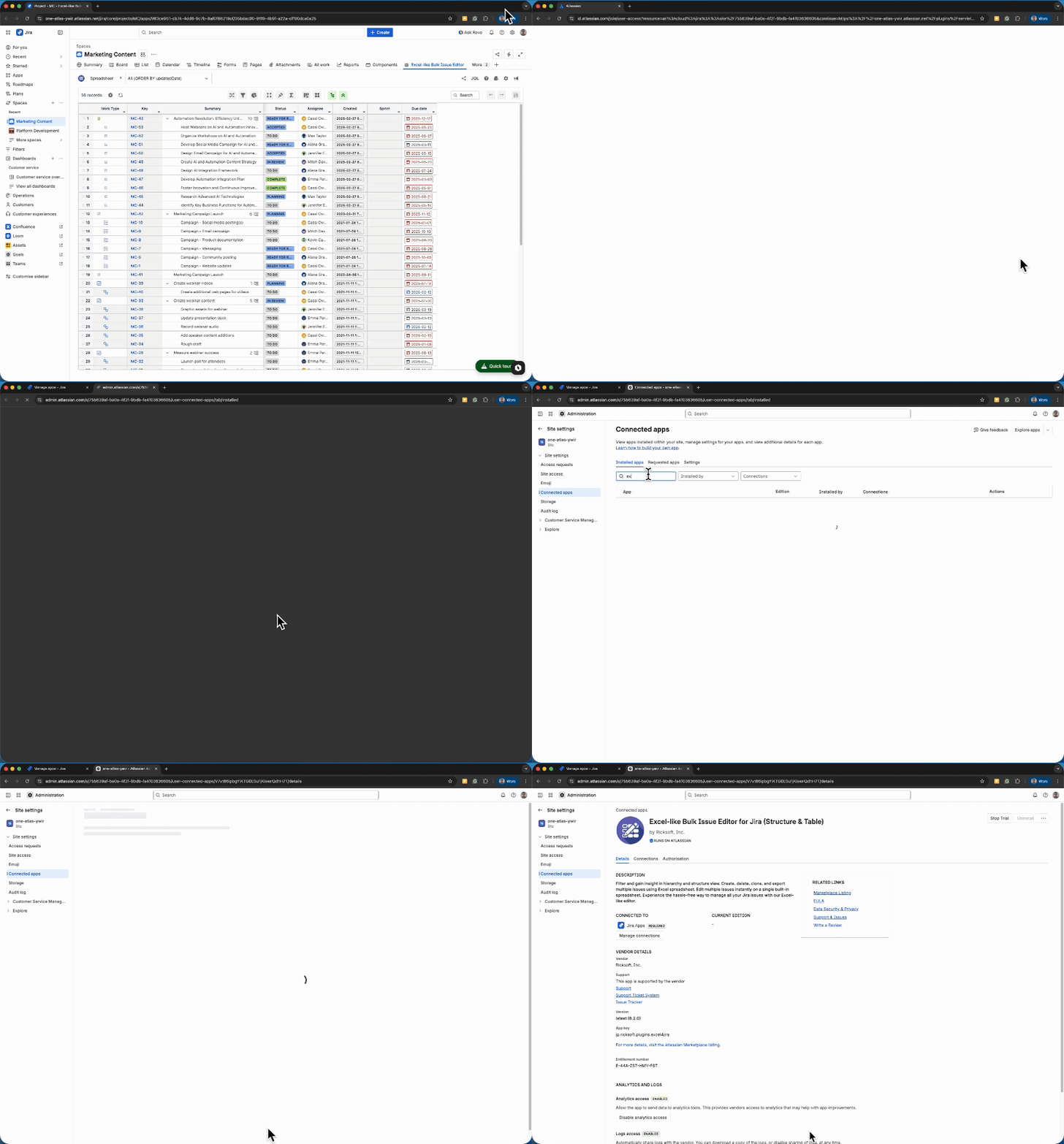
Go to Settings → Marketplace apps in Jira, find Excel-like Bulk Issue Editor for Jira (Cloud) in your installed apps list, and click Update if available. Refresh and you’re on 6.2.
Release notes: https://docs.ricksoft-inc.com/excel-like-issue-editor-for-jira-cloud/release-notes