Project Management

Jan 19, 2026 • 4 min read
Topic
Featured Apps
Author
In This Blog
During a hybrid Confluence migration, shared spaces often become the hardest to manage. Teams continue collaborating across Confluence Cloud and Confluence Data Center, but updates, comments, and attachments quickly fall out of sync. Without a clear approach, shared spaces turn into a source of confusion rather than collaboration.
This guide explains how teams can manage shared Confluence spaces across Cloud and Data Center during a hybrid migration, while keeping collaboration effective and reducing manual coordination.
This approach is especially useful when:
Teams are actively collaborating in both Confluence Cloud and Data Center
Shared spaces exist in both environments
Teams depend on the same documentation to plan work or make decisions
Admins are frequently asked where updates should be made
If your migration involves a full cutover with no overlap, shared space management is much simpler and may not require this level of coordination.
In a hybrid setup, collaboration naturally splits. One team updates a page in Cloud, another adds information to the same page in Data Center. Comments and attachments live in different places, and teams lose visibility into each other’s work.
Atlassian’s Confluence Cloud Migration Assistant helps move spaces, but it does not support collaboration across environments once migration begins. Without an explicit strategy, shared spaces become fragmented and harder to maintain over time.
The first step is to determine which spaces actually require cross-environment collaboration.
Focus on spaces that:
Are used by multiple teams or departments
Support ongoing projects or programs
Contain reference material that must stay current
Not every space needs to be shared during migration. Being selective reduces complexity and makes collaboration easier to manage.
Before introducing any technical solution, align on expectations.
For each shared space, clarify:
Which teams are actively contributing content
Whether updates are expected from both environments
How teams should treat synchronized content
Clear guidance reduces conflicting edits and supports smoother collaboration.
As hybrid collaboration continues, manual coordination becomes difficult to sustain. Teams often look for a way to keep shared spaces aligned automatically, without forcing everyone into the same environment.
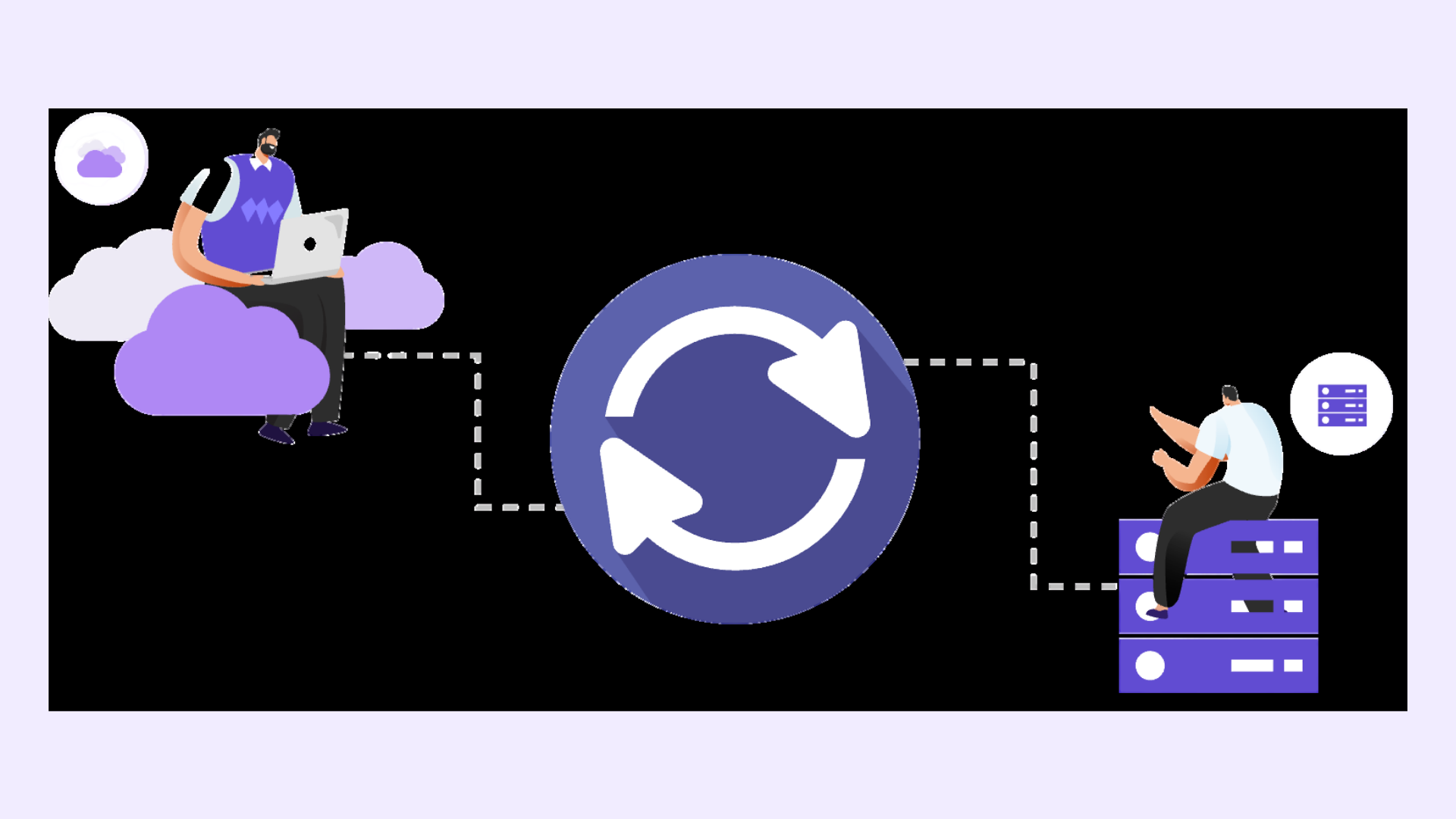
Space Sync for Confluence Data Center is commonly used to synchronize selected shared spaces between Cloud and Data Center. Rather than syncing everything, admins focus on collaboration-critical spaces where consistency matters most.
An initial sync establishes a clean baseline so both environments start aligned.
After synchronization is in place, validate that shared spaces are behaving as expected.
Admins typically:
Review a small set of pages in both environments
Confirm that content, structure, and attachments match
Ensure teams can continue collaborating without confusion
This step helps build confidence before relying on synchronized spaces day to day.
Hybrid migration is not static. As teams move fully to Cloud, some spaces no longer need to remain shared, while others become more important.
To keep collaboration effective:
Review shared spaces periodically
Remove spaces from synchronization when they are no longer needed
Communicate clearly to teams as collaboration patterns change
This keeps shared space management aligned with migration progress.
A few patterns often create challenges during hybrid collaboration:
Treating all spaces as shared by default
Syncing spaces without clear ownership
Relying solely on process and communication for extended periods
Intentional scope and clear expectations help prevent collaboration breakdowns.
Managing shared Confluence spaces intentionally allows teams to collaborate across Cloud and Data Center without constant coordination overhead. Teams maintain visibility into shared work, admins spend less time resolving confusion, and collaboration continues uninterrupted during migration.
Most importantly, this approach supports ongoing work while migration progresses, rather than forcing teams to wait for a full cutover.
Use Space Sync for Confluence (Data Center) to keep shared Confluence spaces aligned while teams collaborate across environments during hybrid migration.